What is officially confirmed about devices
Steam’s store categories list:
- Full controller support
- DualShock Controller Support
- DualSense Controller Support
- Gamepad Recommended
That makes a standard Xbox-style, DualShock or DualSense controller the safest starting device. It does not publish a complete keyboard-and-mouse layout or guarantee that every action can be remapped.
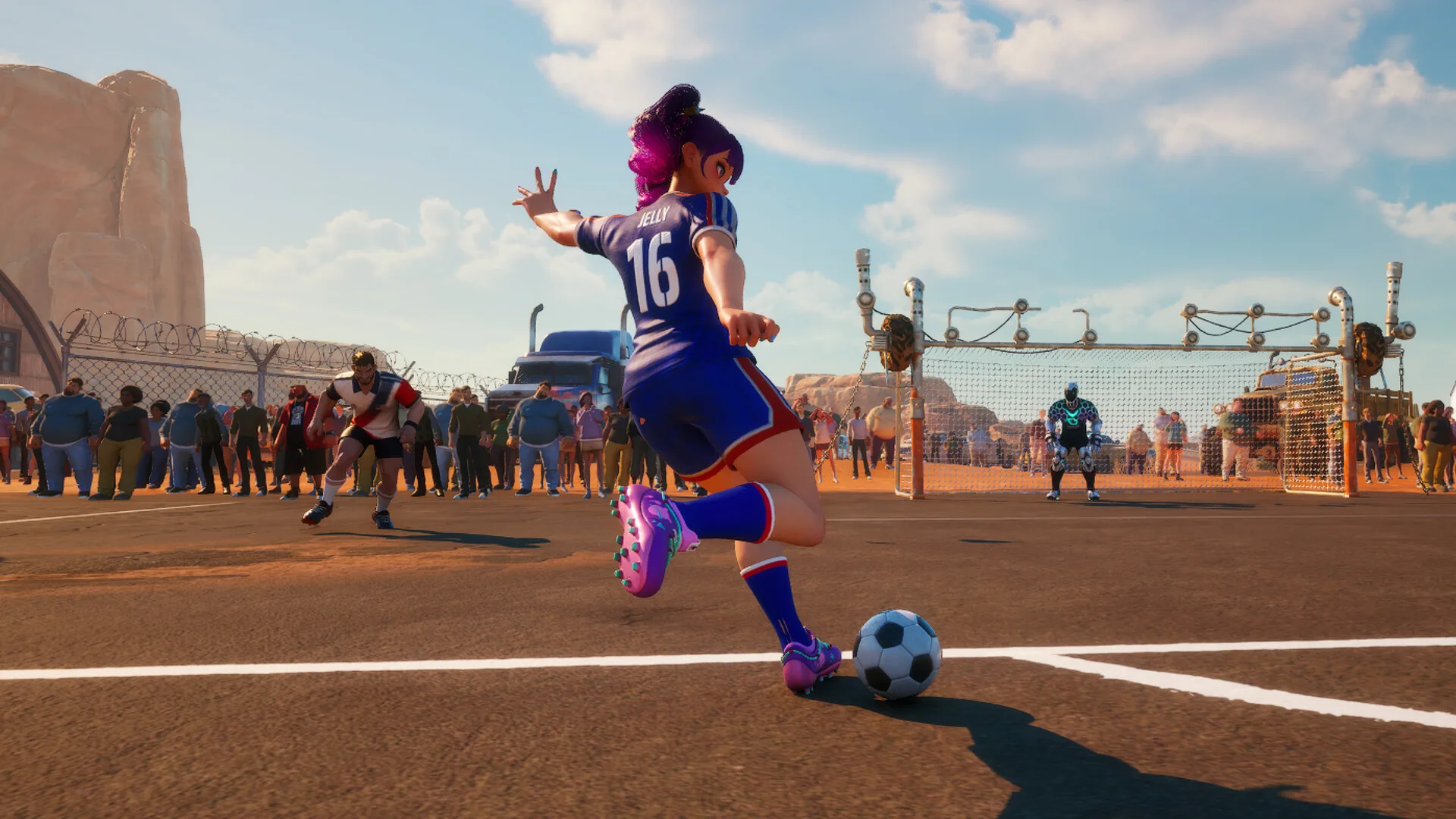
Actions confirmed in official updates
The actions below exist in official patch notes. The table intentionally does not assign keys to them.
| Action group | Confirmed examples |
|---|---|
| Passing | Short/ground passes, through passes and lob passes; receiving the ball before the next action |
| Shooting / kicking | Direct kicks, Freestyle kicks and a shooting gauge; close-range shooting and narrow-angle effects have been adjusted during testing |
| Receiving / first touch | Receive/trap transitions, direct kicks after receiving, first-touch behavior and receive-delay fixes |
| Dribbling | Character dribble skills, movement and ball control; exact skill inputs are character/build-specific |
| Defense | Tackles, interceptions, shot blocking, clearances and defensive headers |
| Goalkeeping | GK reactions to passes, cutbacks, crosses, long-distance headers and positioning |
This is a feature checklist, not a final binding chart. Any page that presents a complete final keyboard table before JOYCITY publishes one is overclaiming.
What the test builds changed about responsiveness
Official demo updates describe several control-side improvements:
- Reduced receive-motion delays and overall input lag
- Improved kick responsiveness and direct-kick reliability
- Fixed some directional-input and receiving-freeze problems
- Improved through-pass depth, speed and receiving behavior
- Adjusted goalkeeper reactions and defensive heading
These changes show why an old control clip or test-wiki layout may no longer match the launch experience. They do not tell us the final key for every action.
A safe pre-launch practice checklist
Once the launch build is available, verify these in this order:
- Device detection — confirm the correct controller icons appear before matchmaking.
- Movement and receiving — practice receiving cleanly before attempting a kick.
- Three pass types — compare short, through and lob passes rather than using one pass for every situation.
- Direct kicks and shooting gauge — learn how quickly a shot starts after a receive and how the gauge behaves at different distances.
- Defense — practice tackles, interceptions, clearances and defensive headers without relying on old test-build muscle memory.
- Settings — check whether remapping exists before assuming every action can be moved.
For the team decisions behind those inputs, see positions. For supported hardware and platform differences, see platforms and crossplay.
What we will add after verification
The final page should contain separate keyboard-and-mouse, Xbox-style and PlayStation controller tables, including menu navigation and character-specific skills. Those tables will only be added after the launch controls can be checked. Until then, “official full keyboard list: unconfirmed” is the accurate answer.